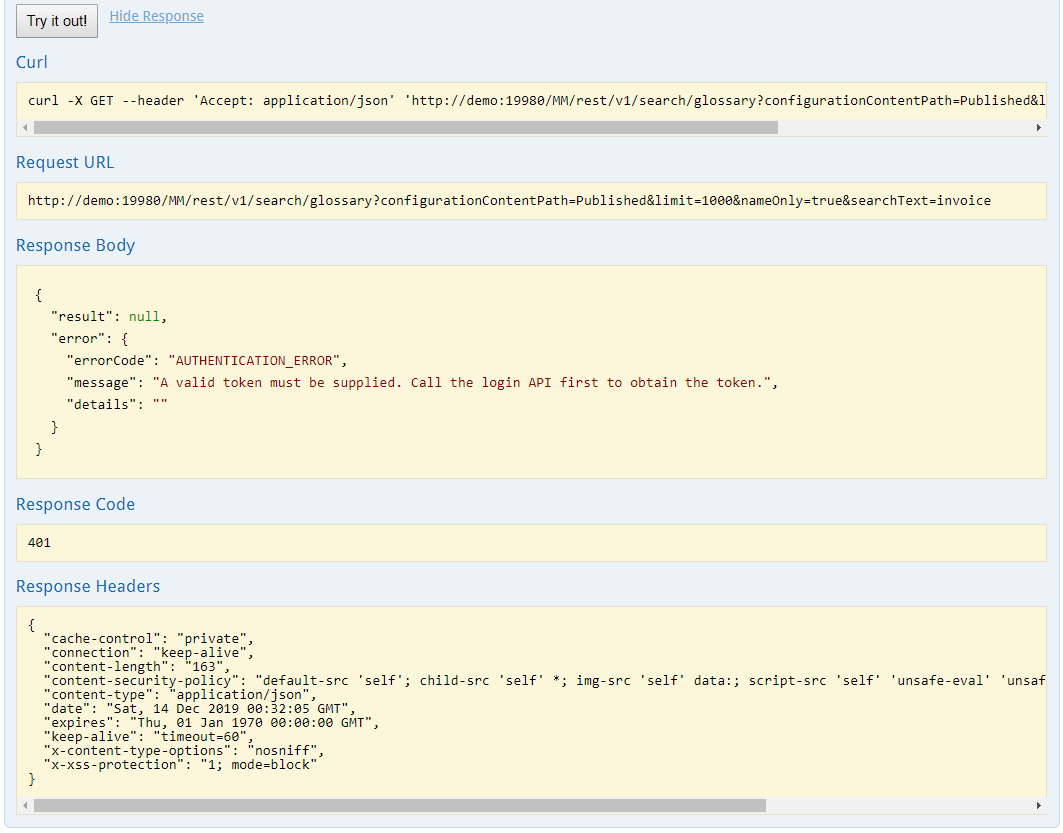
REST API
The information contained within MetaKarta is accessible via a REST API.
The REST API SDK documentation is available within the UI by going to the Help menu (top right corner) under Help on REST API, or go directly to: http://localhost:
/MM/REST-API/. REST API calls are logged in the catalina.log and only if Debug logging is enabled.
For illustration purpose, a glossary definition search demo is also available at http://localhost:
/MMGlossaryClient/. This demo assumes a server URL located at "http://localhost: ", and a glossary in a configuration called "Published". REST API application developers are familiar with the above documentation, and can find the demo source code in Chrome > top right menu > More tools > Developer tools.
Steps
-
Click the avatar menu in the top right of the page.
-
Select REST API.
-
Sign in as a user with at least the REST API Access capability global role assignment.
Example
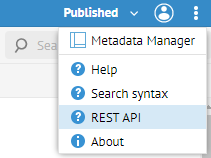
Click the avatar menu in the top right of the page and select { } REST API.
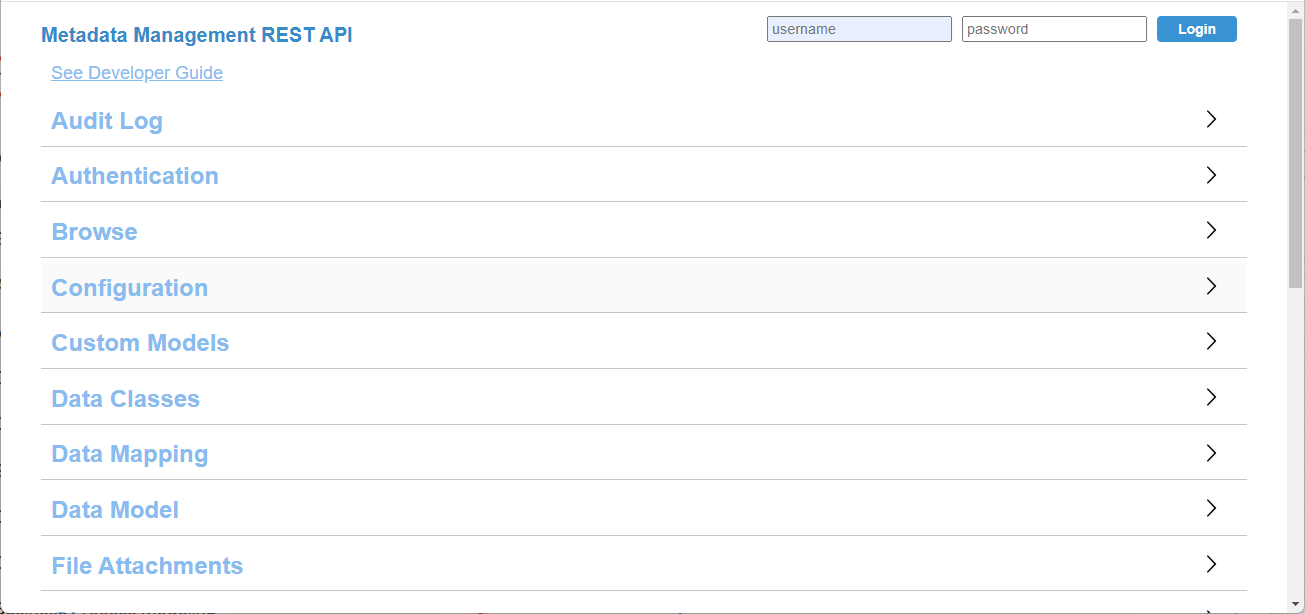
Login as Administrator.
Click on General Info link to see details as to how to use the REST API.
Click Glossary > /search/glossary.
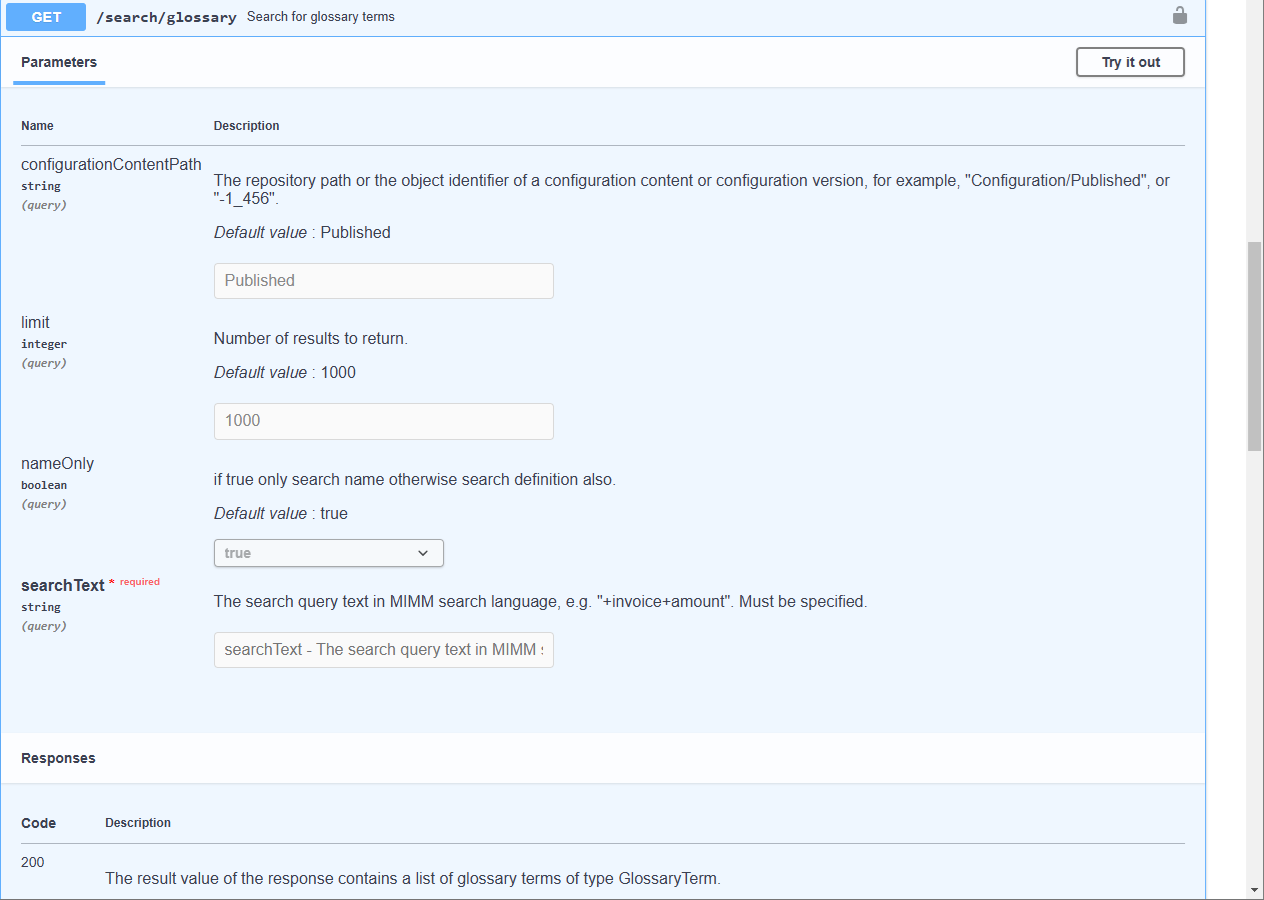
Click Try it out. Enter "invoice" in the  Search Text box. Click Execute.