How to Evaluate, Deploy, and Run MetaKarta
Trusted BI. Reliable AI. Defensible governance. MetaKarta is the Metadata Management Platform that makes all three provable, because every definition carries its lineage, its owner, and its version history.
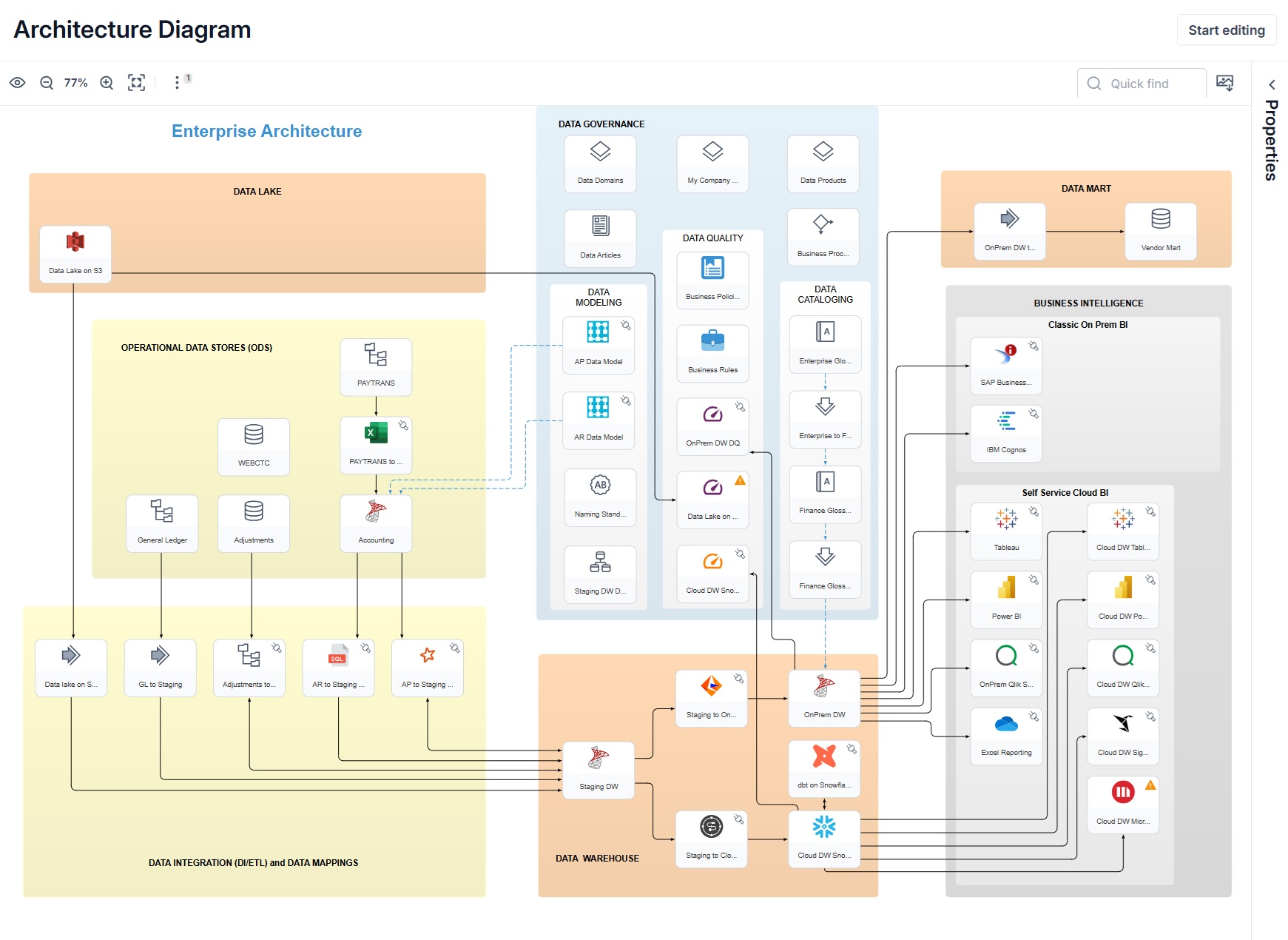
It harvests metadata across 400+ native connectors, traces lineage to the column, catalogs what it finds, and applies governance on one shared metadata repository. Semantic Hub then compiles governed definitions into native artifacts for Snowflake, Databricks, Power BI, and Tableau.
Whether you're evaluating, deploying, or running MetaKarta, start with the guide that matches your job.
- User Guide For data stewards, analysts, and governance leads. Search and ask questions of your metadata, trace lineage, run glossaries and review workflows, catalog data products, administer the system, and work in Semantic Hub.
- Developer Guide For engineers who integrate and automate. Query the shared metadata repository with Metadata Query Language (MQL), call the REST API with an API key, and define semantic models in Semantic Hub Language (SHL).
- Demo Guide For prospects and solution engineers. Set up the demo package and its source metadata, run metadata management scenarios, then follow Semantic Hub demos that start from Snowflake, Tableau, and Power BI.
- Deployment Guide For administrators and platform engineers. Size and install the application server, set up PostgreSQL, SQL Server, or Oracle, configure Solr indexing, SSL, and authentication, then upgrade, back up, and migrate.
- MIMB Guide For teams that run or embed metadata harvesting. See what MIMB bridges import and export across 400+ native connectors, where each bridge has known limits, and how to run bridges from the command line.
- Releases & Roadmap For anyone planning an upgrade. Check what shipped in MetaKarta 12.0 (generally available September 22, 2026), find the current patches for MetaKarta 12.0 and MetaKarta 11.1, and see which features are still planned.
- Support For OEM partners' second-level support teams. Work through the escalation steps: documentation and known limitations, MIMB log analysis, the support knowledge base, ticket rules, patch policy, and environment details to collect.